
Features
My NoteVault features: hide photos, videos and files behind a notepad
My NoteVault is an Android notepad app with a hidden, encrypted vault for private photos, videos and files, developed and operated by ZeengoCorp Innovations. Everything on this page is in version 3.4.0 (September 2026).
A notepad app that hides a vault
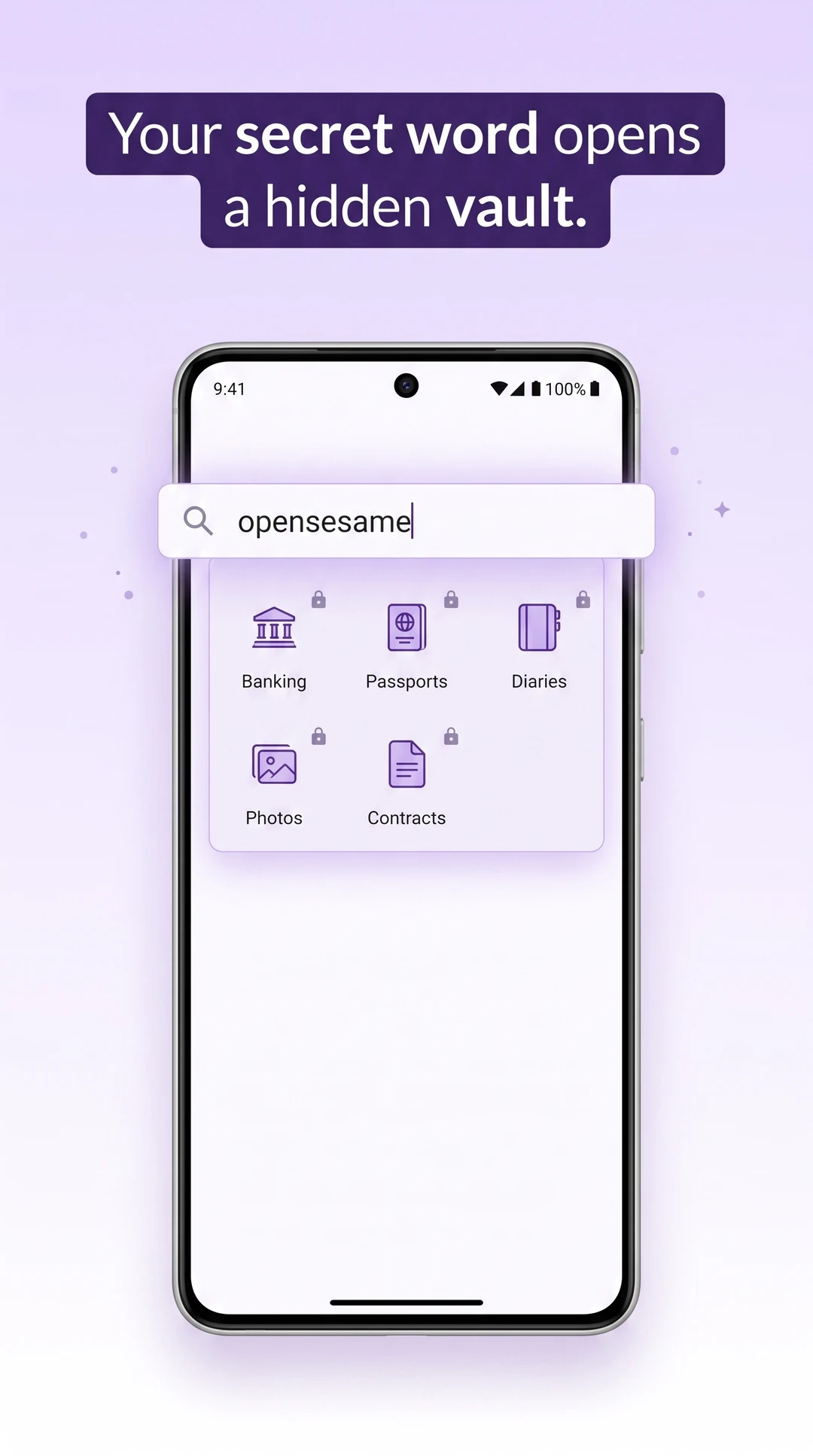
My NoteVault opens as a working notepad, so it looks ordinary to anyone who picks up your phone. Write notes, pin them to your home screen with widgets, and lock the notepad itself if you want. The vault stays out of sight until you type your secret word in the search bar and enter your password.
- A real, working notepad, free
- Optional app lock for the notepad itself
- Pick an ordinary secret word, one you might really search for
How to hide photos and videos on Android
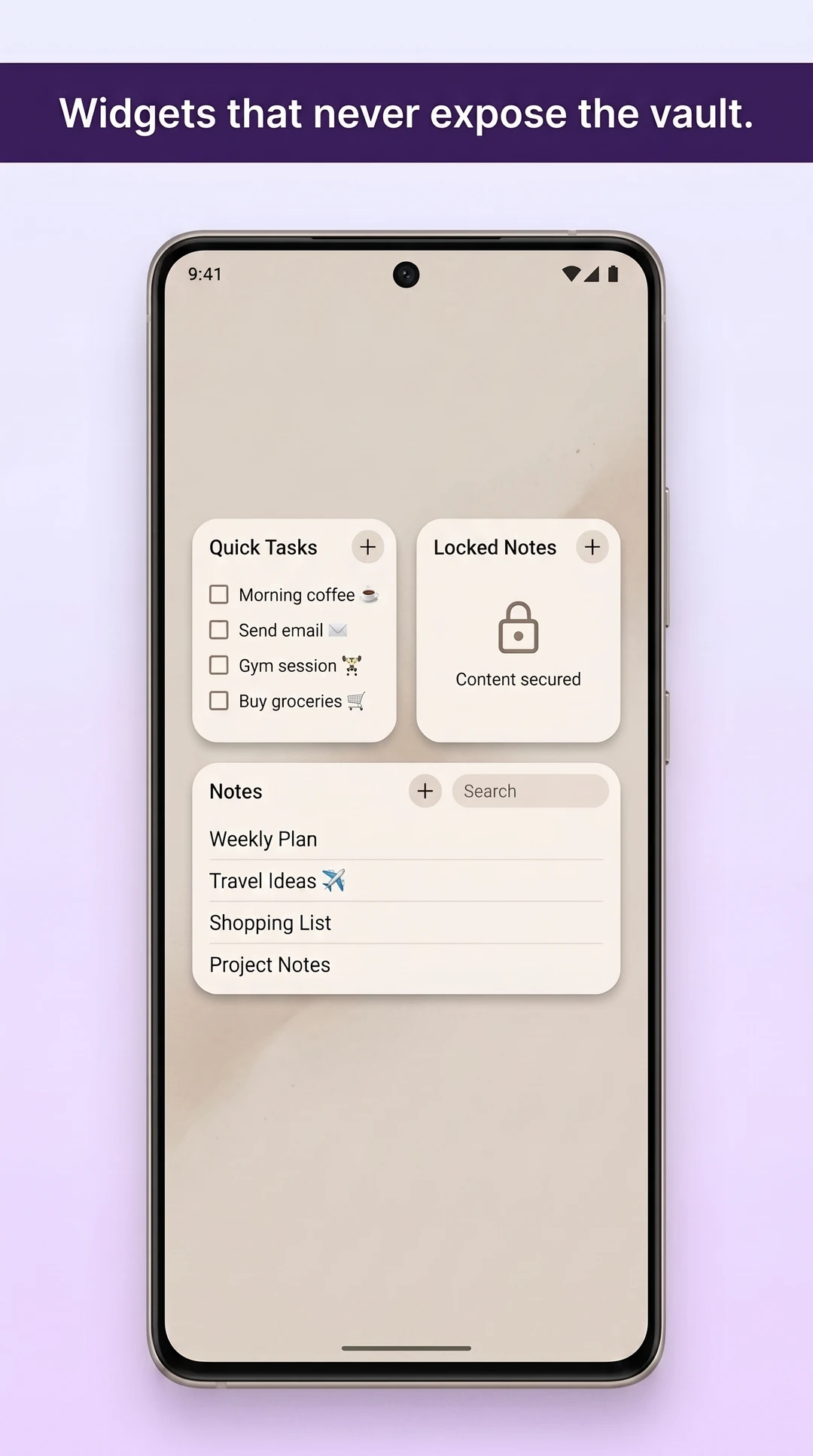
Open your vault, tap import and choose photos, videos, documents or whole folders. My NoteVault encrypts each file with AES-256 inside the app, then asks your permission to remove the original from your gallery. Imports run in the background, and you can cancel a long import at any time.
- Photos, videos, documents and whole folders
- Built-in photo and PDF viewer
- In-vault camera: new photos go straight into the vault
Multiple vaults with separate passwords
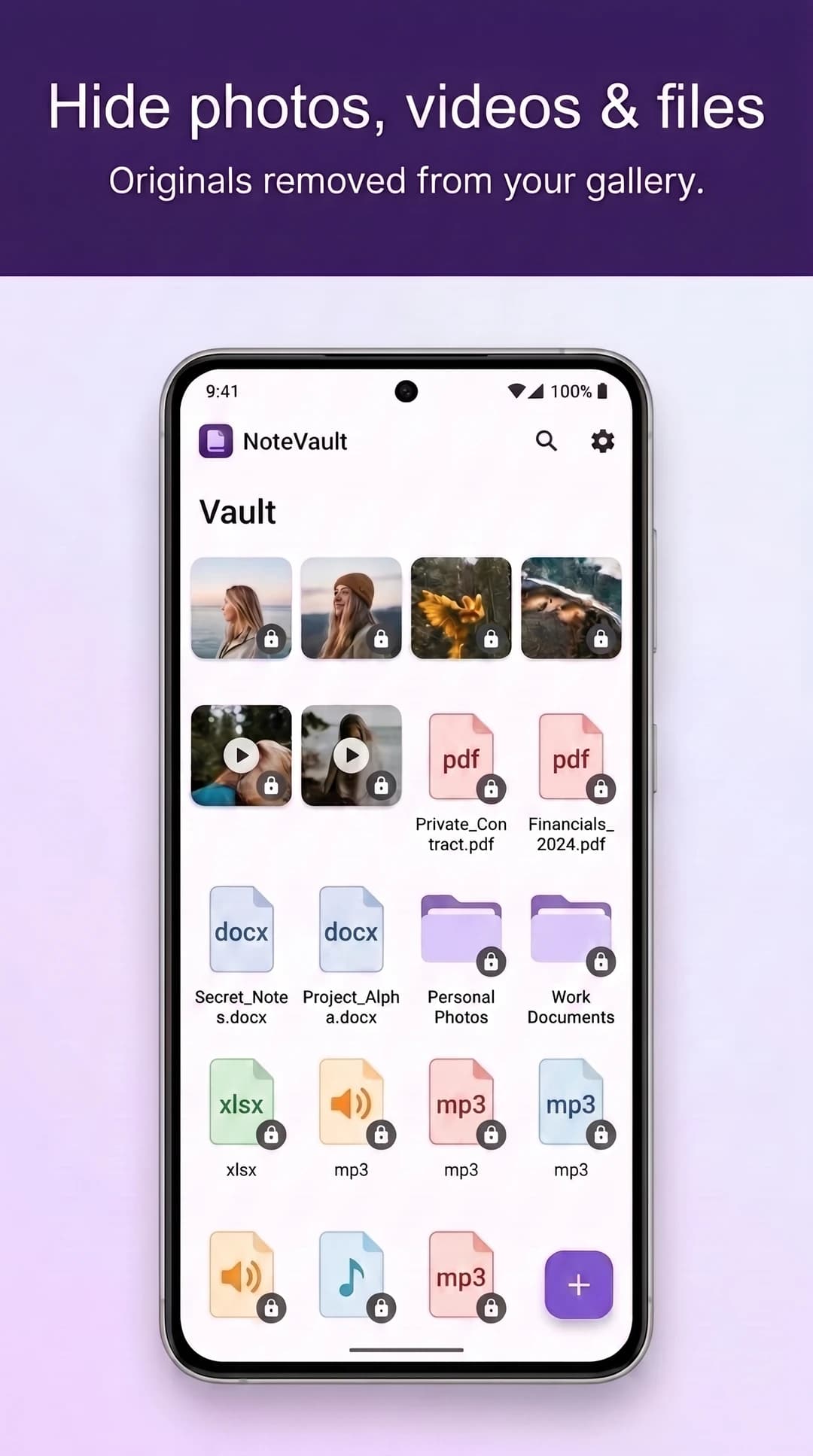
Create as many vaults as you like, for example one for documents and one for photos. Each vault has its own password and its own encryption key, so opening one does not open the others. Unlimited vaults are part of the free version.
- Unlimited vaults in the free version
- A separate encryption key for every vault
- Recently deleted keeps removed items for 30 days
Home-screen widgets that never show the vault
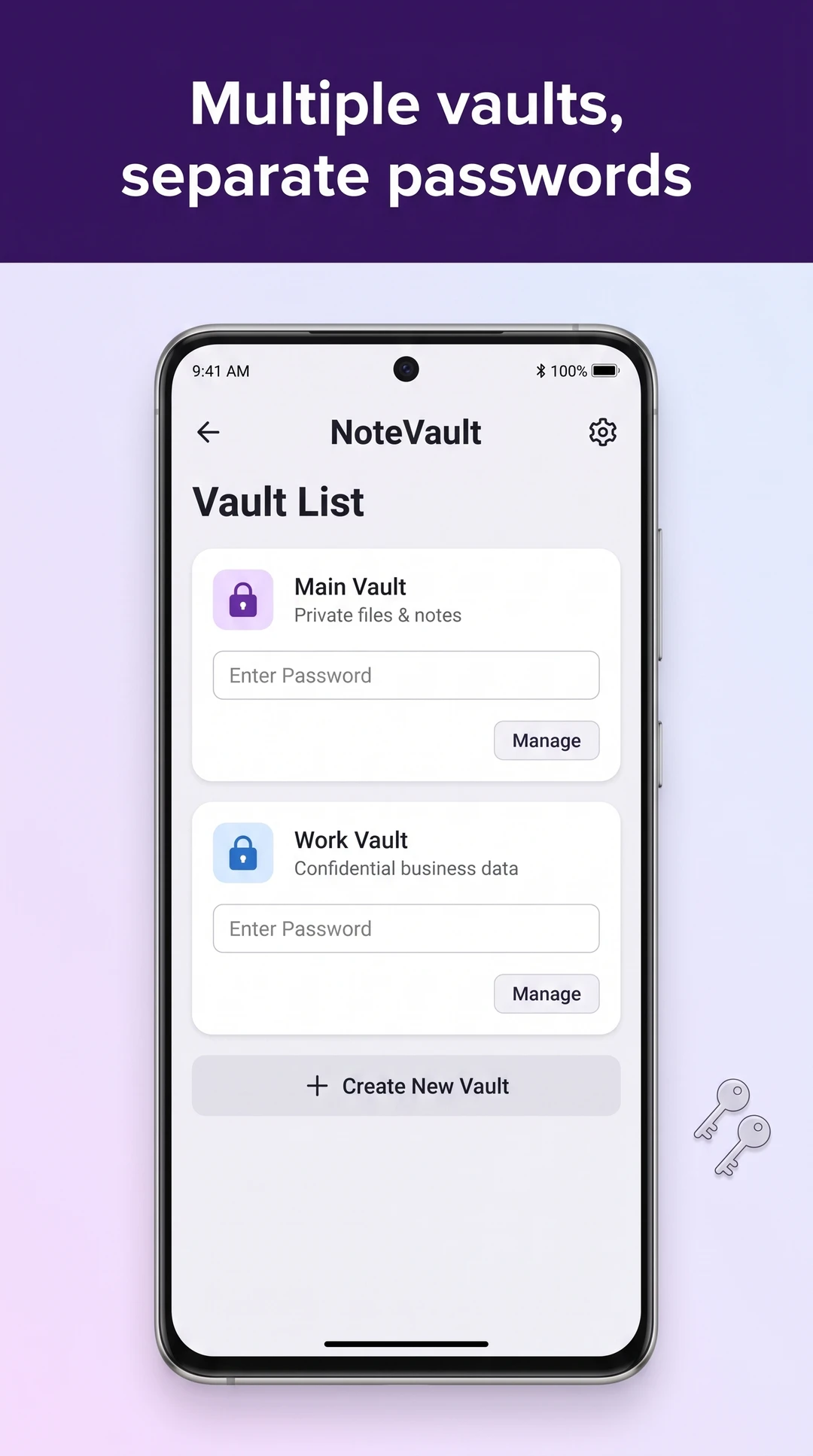
Pin a note or a to-do list to your home screen with My NoteVault's widgets. Widgets show notepad content only, so your home screen never hints at what your vault holds. They are part of the free version, alongside the full notepad and its optional app lock.
- Pinned-note and to-do widgets
- Nothing from the vault appears on the home screen
- Free, with the full notepad
Send files privately with encrypted transfers
An encrypted transfer packs files from your vault into one encrypted file that you can move to another phone or keep as a copy anywhere. Each transfer uses a fresh key, every file inside is authenticated with HMAC-SHA256, and file names are hidden in an encrypted manifest. Opening a transfer is never limited.
- Free: up to 10 files and 100 MB per transfer
- Premium: unlimited transfers
- Opening a transfer file is always free
Recovery codes and recovery kits
When you set up a vault, My NoteVault gives you a recovery code and a recovery kit to keep somewhere safe, off the phone. If you forget your password, the code lets you back in. Nobody else can reset a vault: the key never leaves your phone, so without the password or the code the vault stays locked.
- The recovery code and printable recovery kit are free
- Keep them off the phone
- Uninstalling the app deletes your vaults, so back up first
Available in 13 languages
The My NoteVault app is available in 13 languages, with a language picker inside the app. This website is in English.
- Arabic
- Chinese (Simplified)
- Chinese (Traditional)
- English
- Indonesian
- Japanese
- Korean
- Portuguese
- Russian
- Spanish
- Thai
- Turkish
- Vietnamese
Security, in plain terms
Vault files are encrypted with AES-256 and vault databases with SQLCipher. Keys are made on your phone from your password with PBKDF2-HMAC-SHA256 and 100,000 iterations, one key per vault.
Last reviewed